AI image studio for Android
Create the imageyou can already see.
Describe an idea, shape it with reference images, then edit, upscale, and save the result—all in Pluton.
Made for ideas that refuse to stay ordinary.
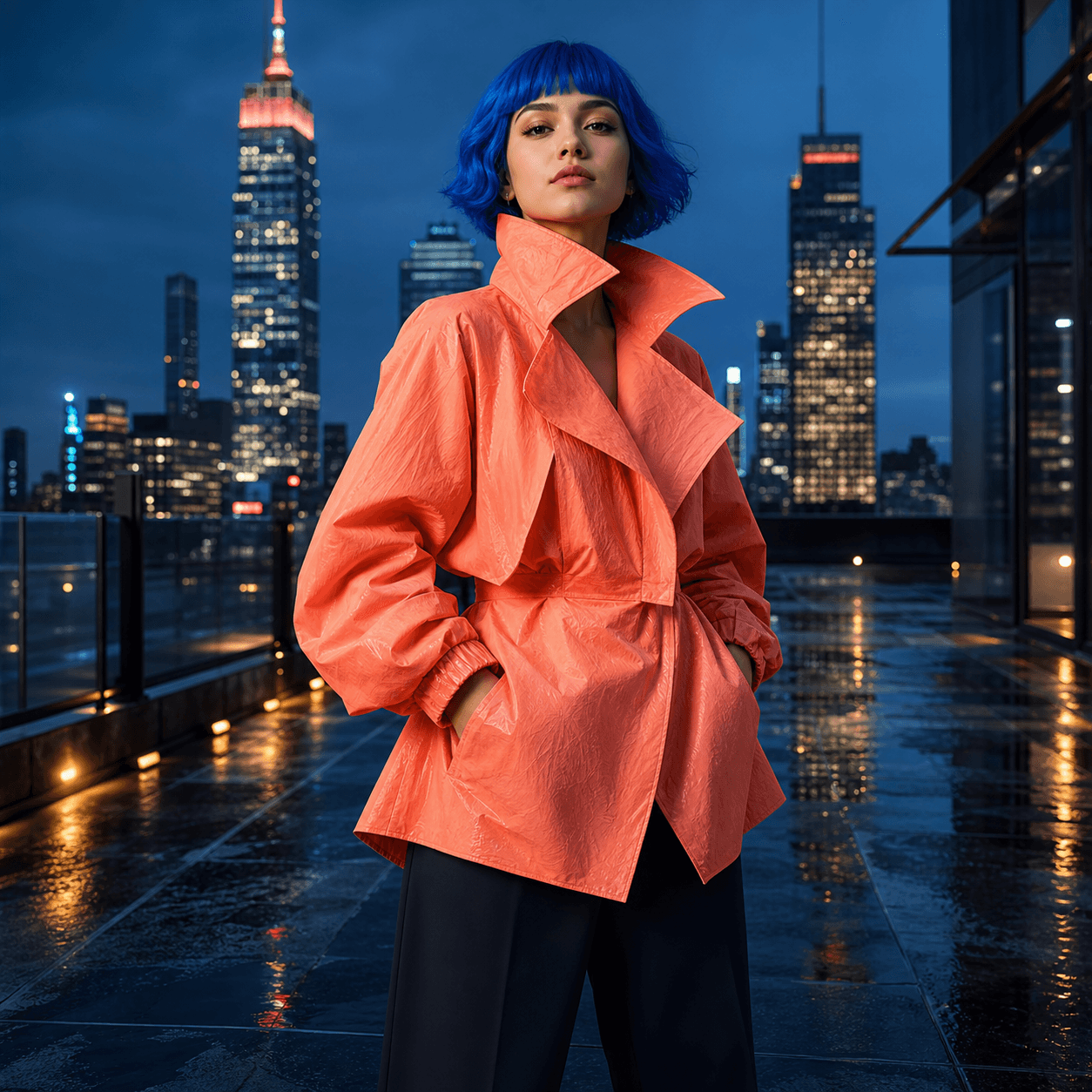
PL / 001
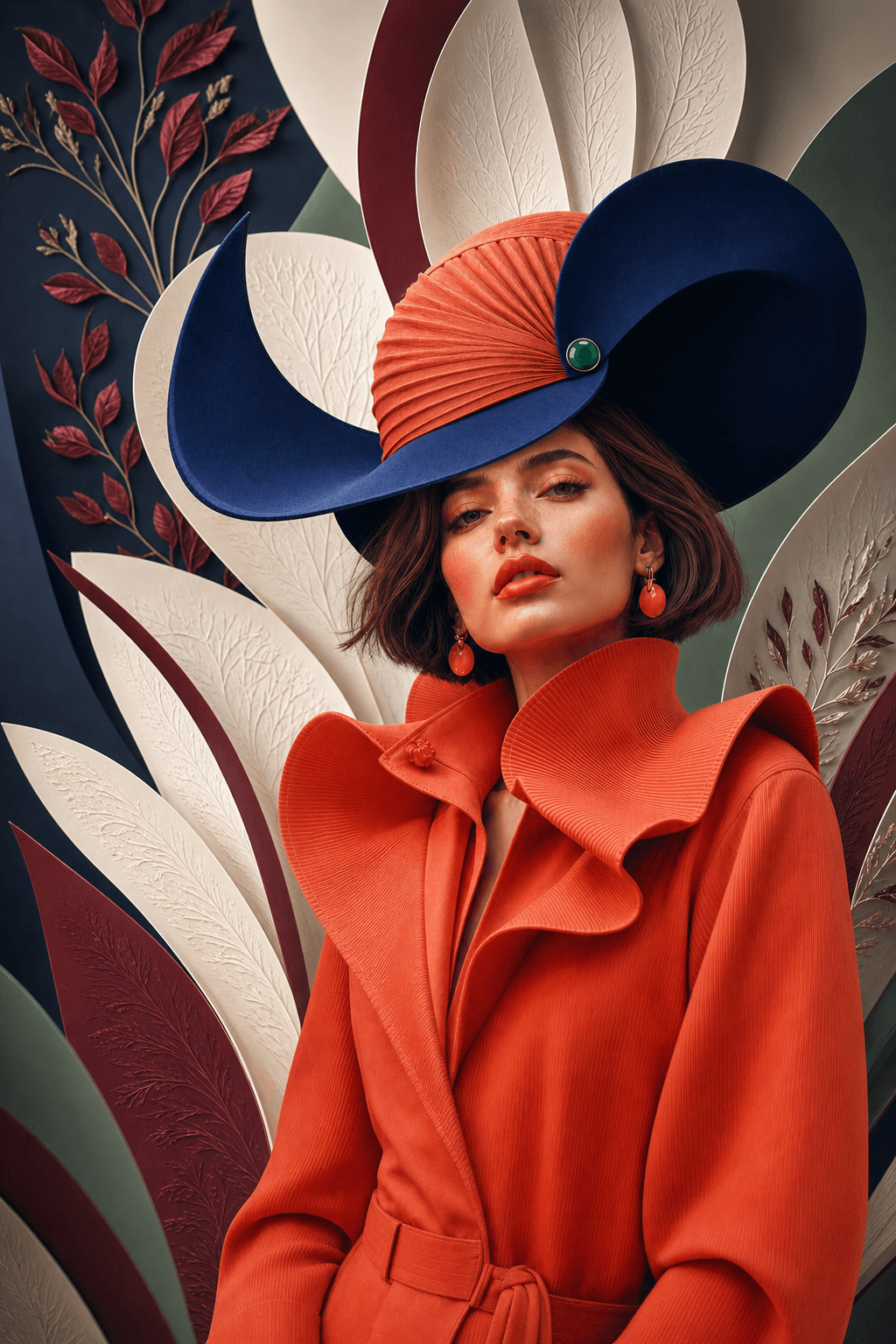
Cobalt bob, sculptural coral coat, midnight tailoring after rain…
From a sentence
to a new world
One studio.
Every way into an idea.
01 / CREATE
A prompt is only
the beginning.
Give Pluton a subject, a mood, a color, or just a strange thought. Explore the first result, then keep moving until it feels unmistakably yours.
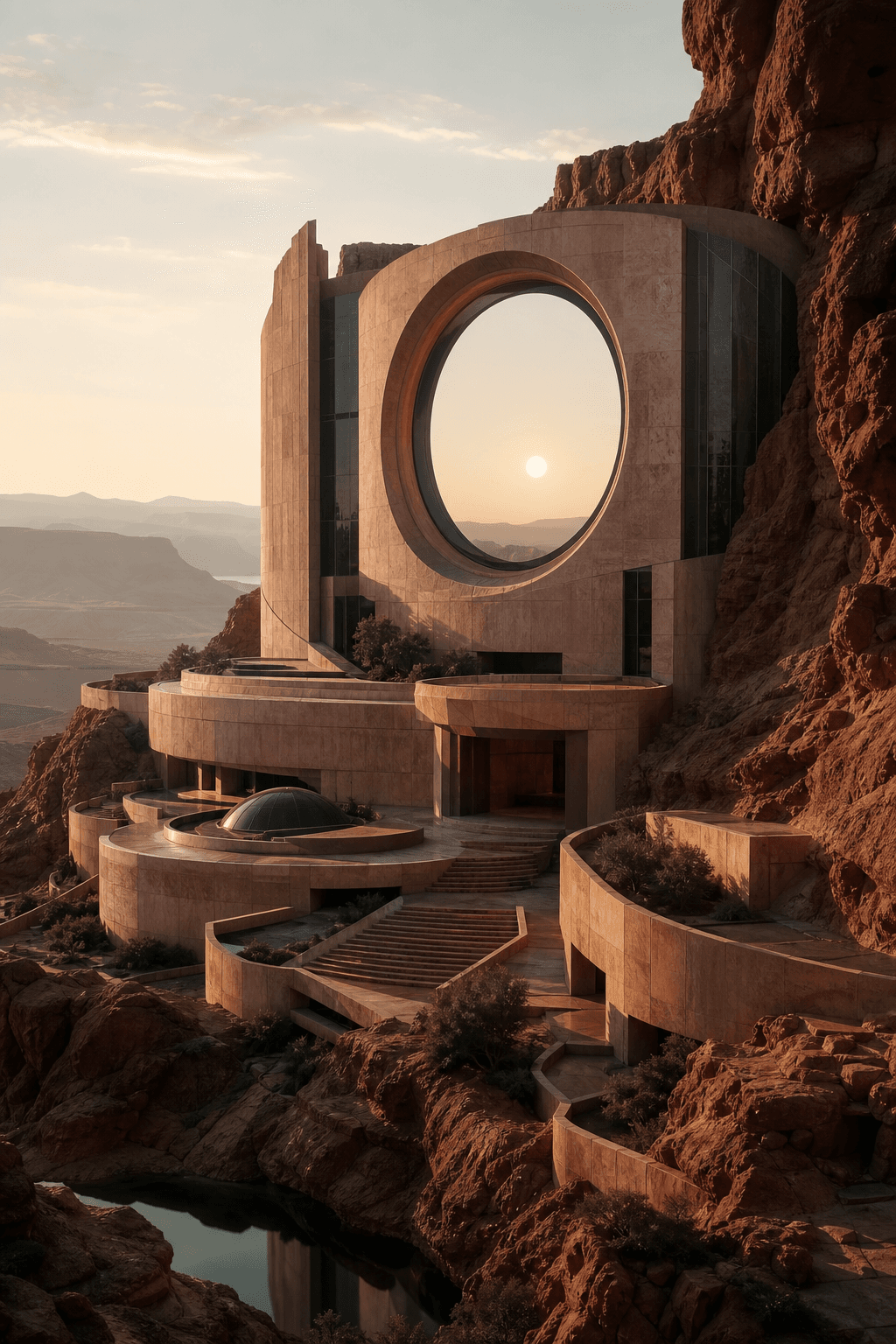
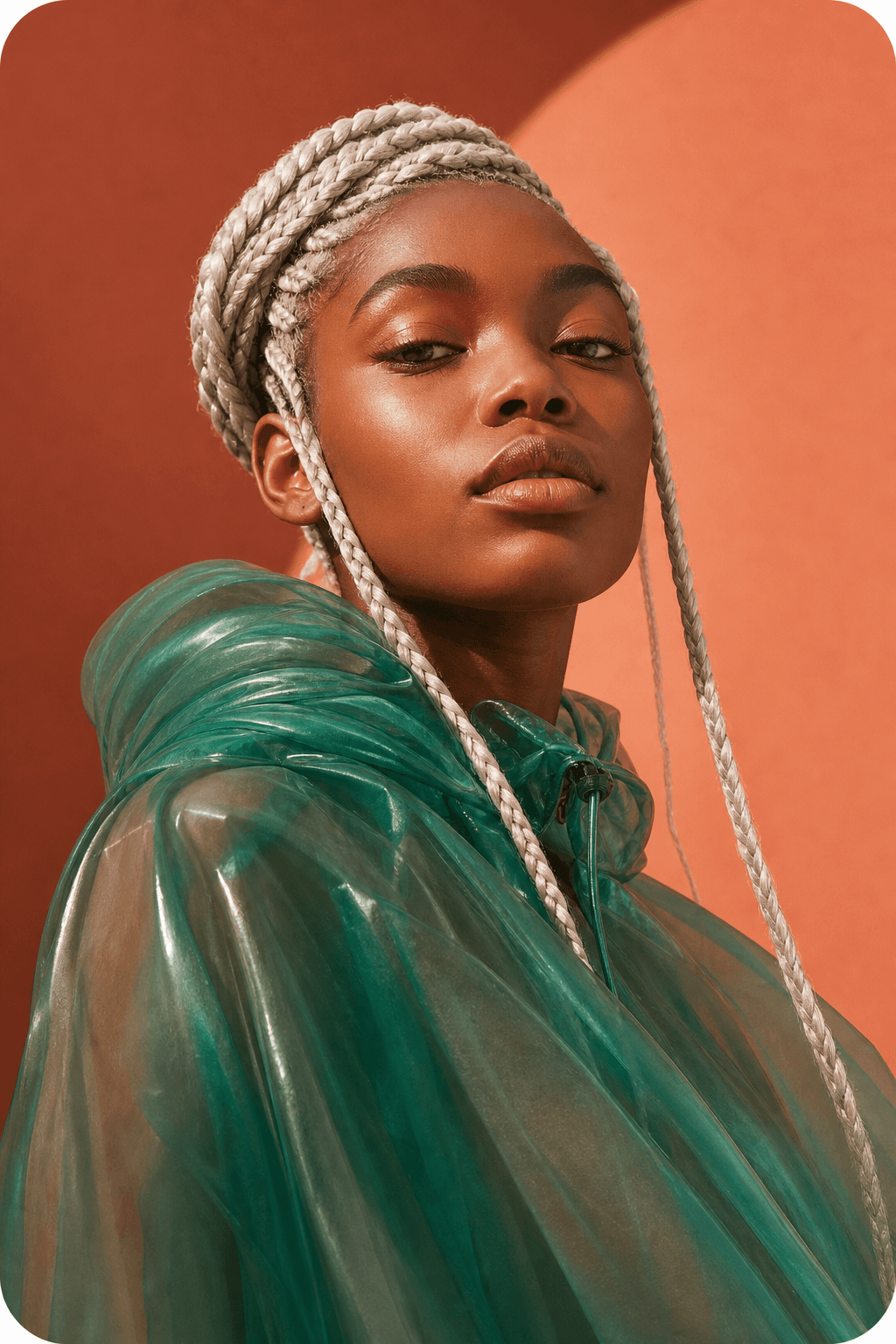
Start loose.
Follow the surprising part.
02 / DIRECT
Bring your own visual language.
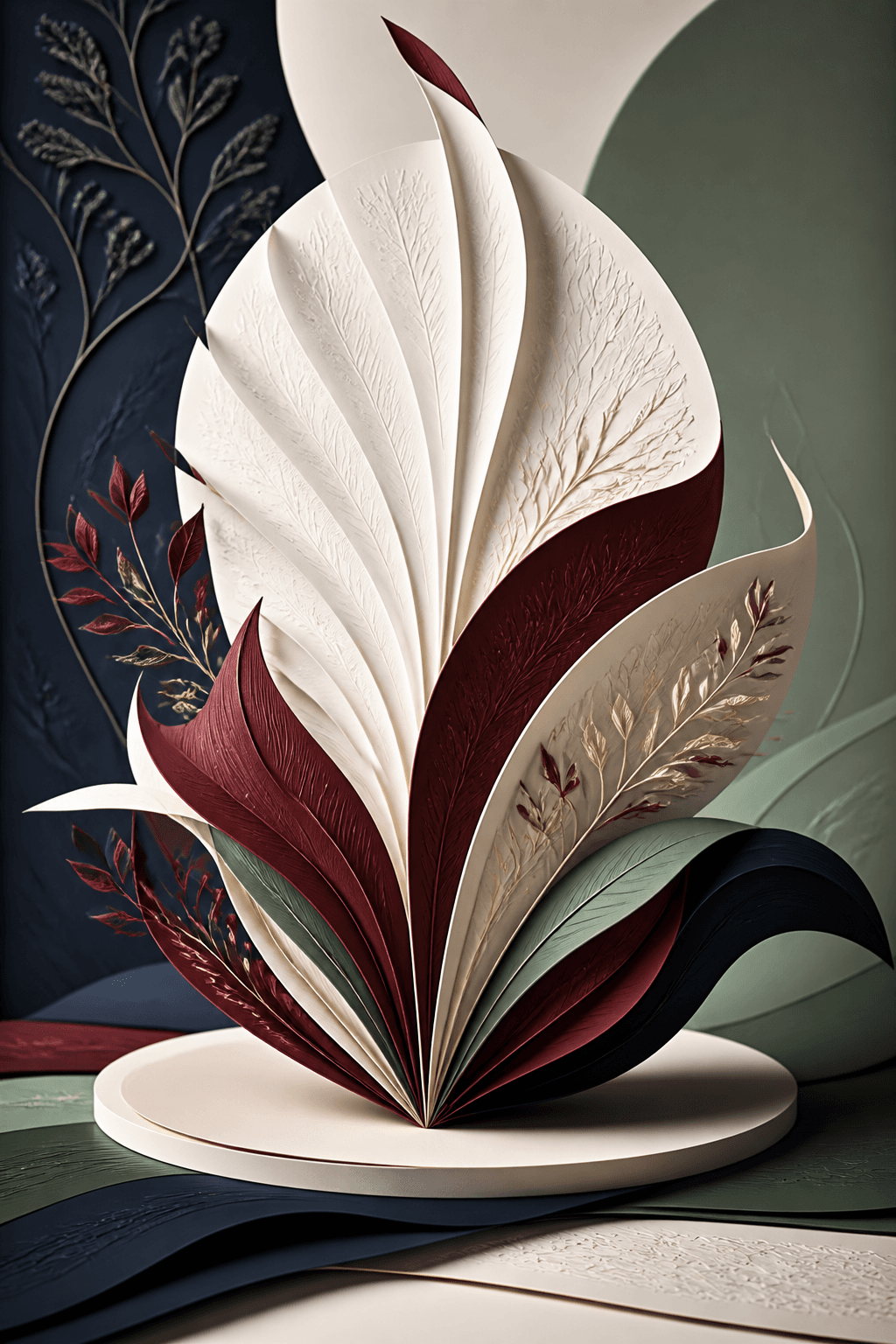
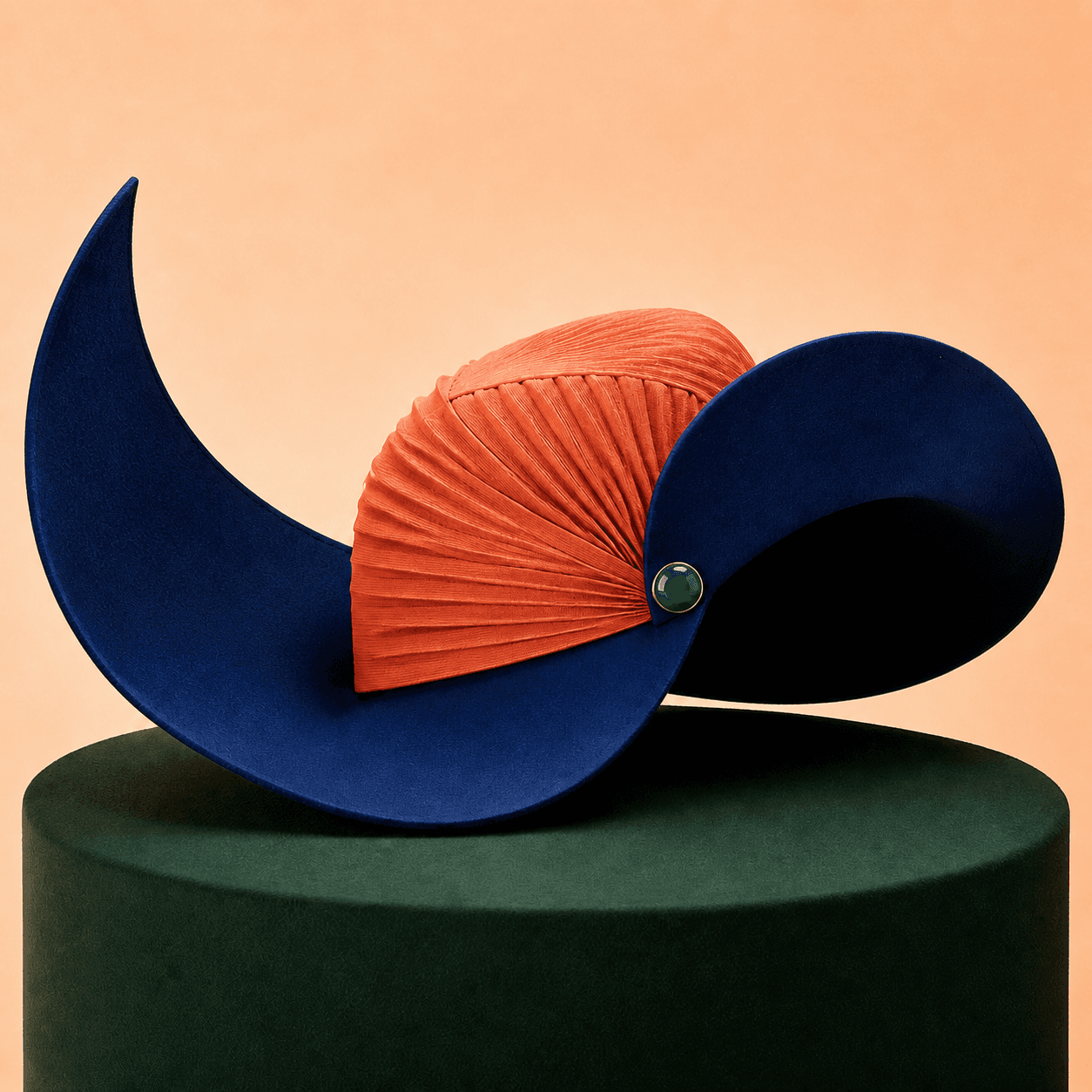
Combine a subject, a style, and a material detail. Reference images give Pluton a clearer direction while your prompt keeps the idea in your hands.
- 01 Choose what matters
- 02 Add the feeling
- 03 Generate the unexpected

03 / REFINE
Edit with words.
Not layers.
Ask for a new color, accessory, atmosphere, or setting. Use the slider to compare the original with Pluton's edited result.
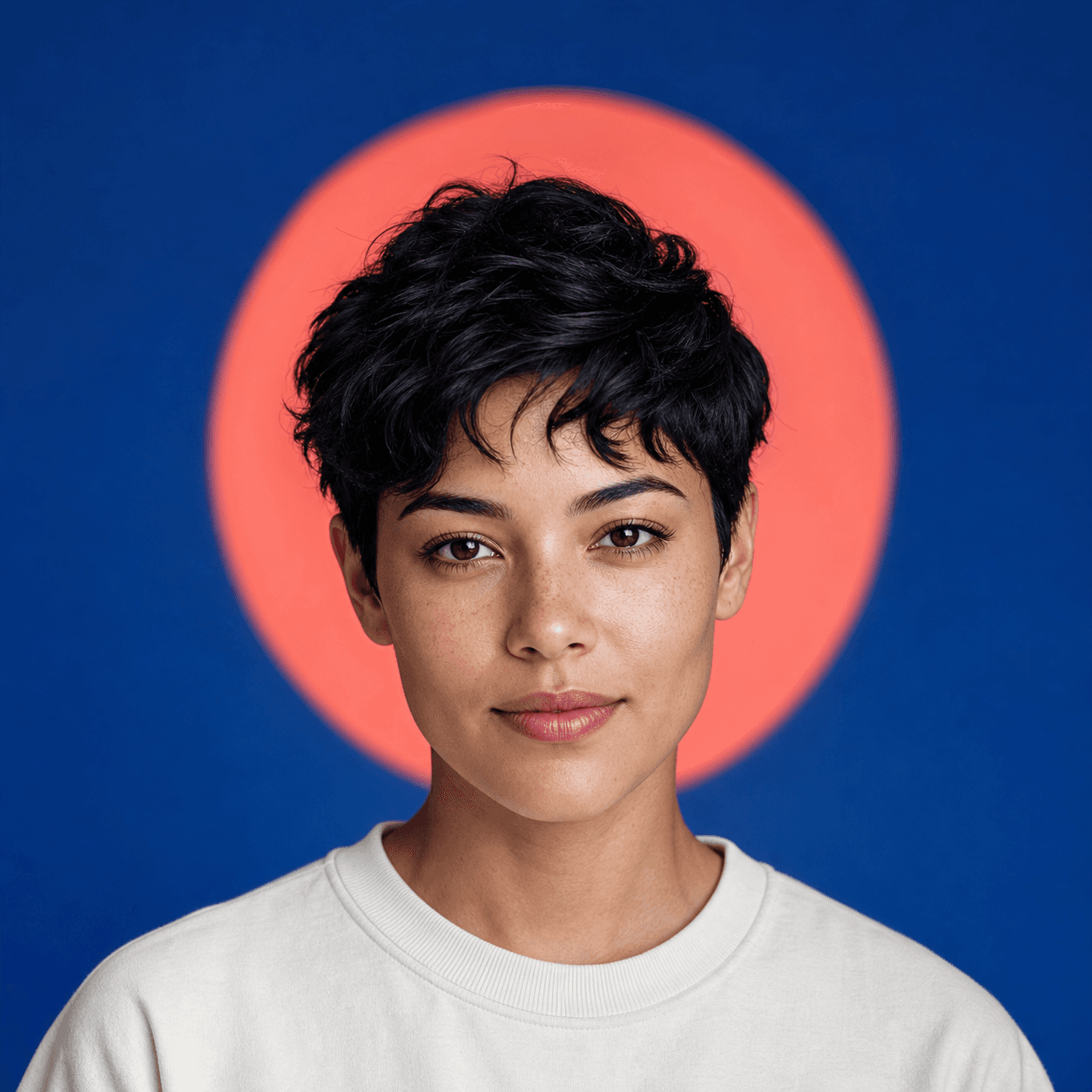
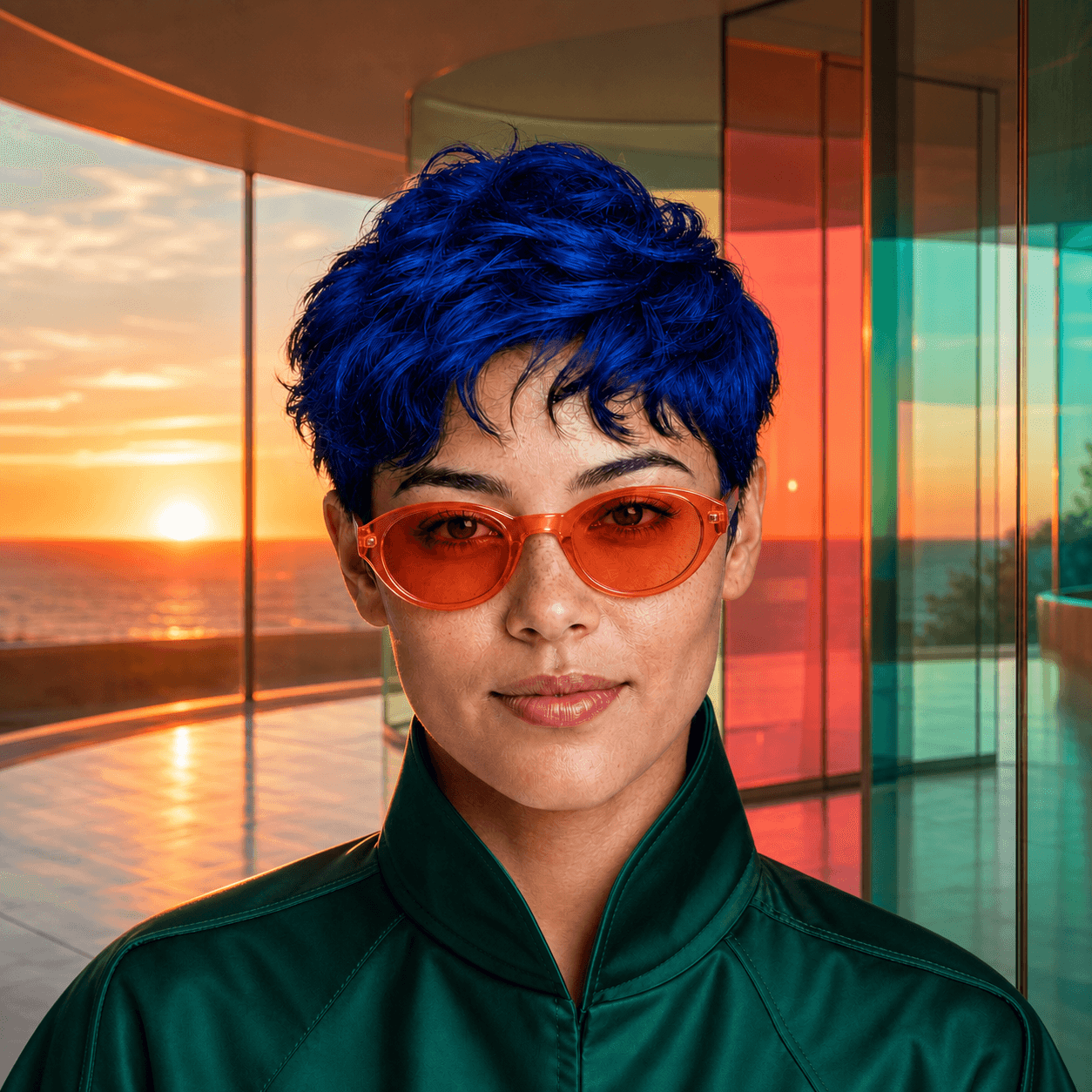
“Cobalt hair, coral glasses, emerald jacket, sunset pavilion.”
04 / EXPLORE
Never begin from
a blank page.
Browse public inspiration, study the prompt behind an image, and use what sparks you as the beginning of something new.
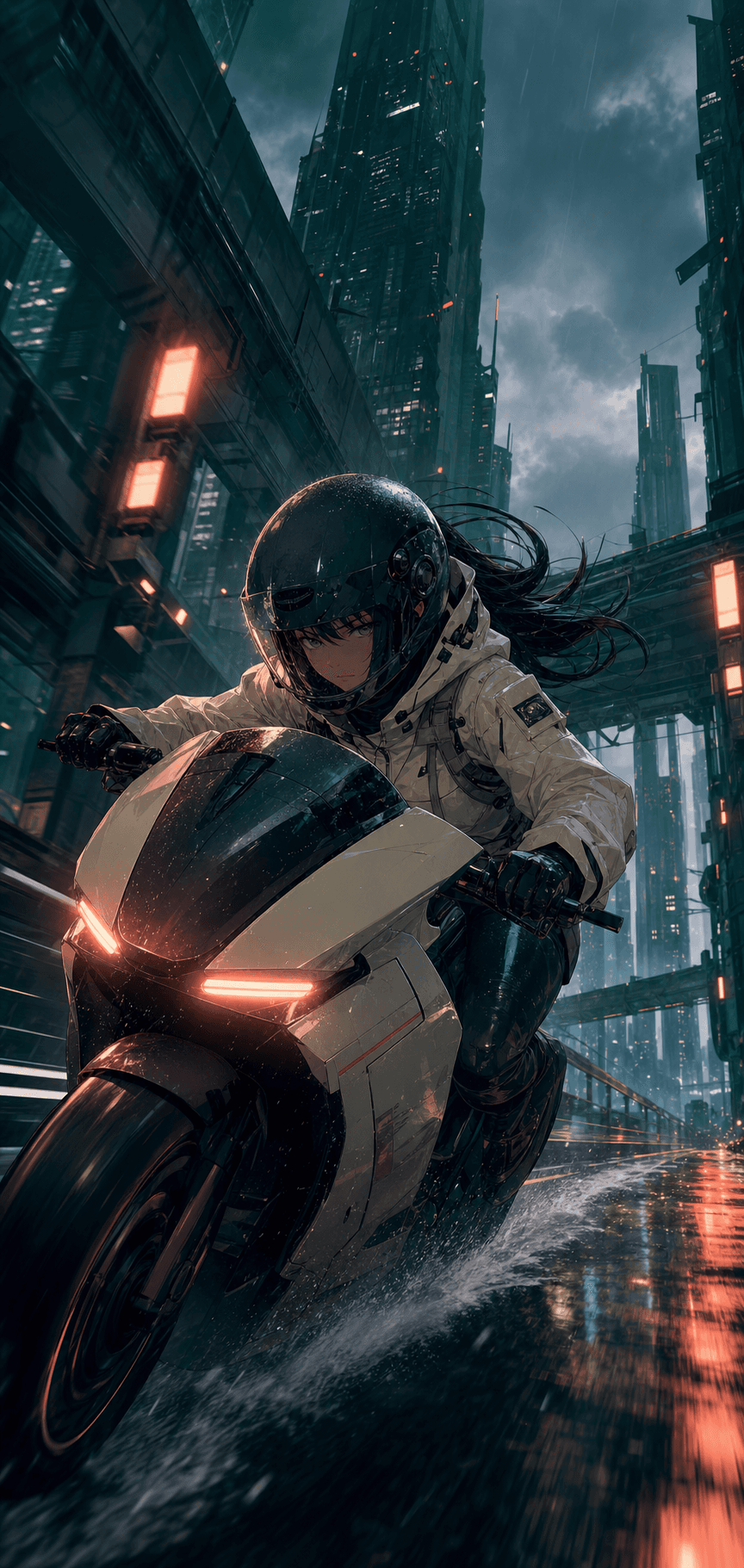
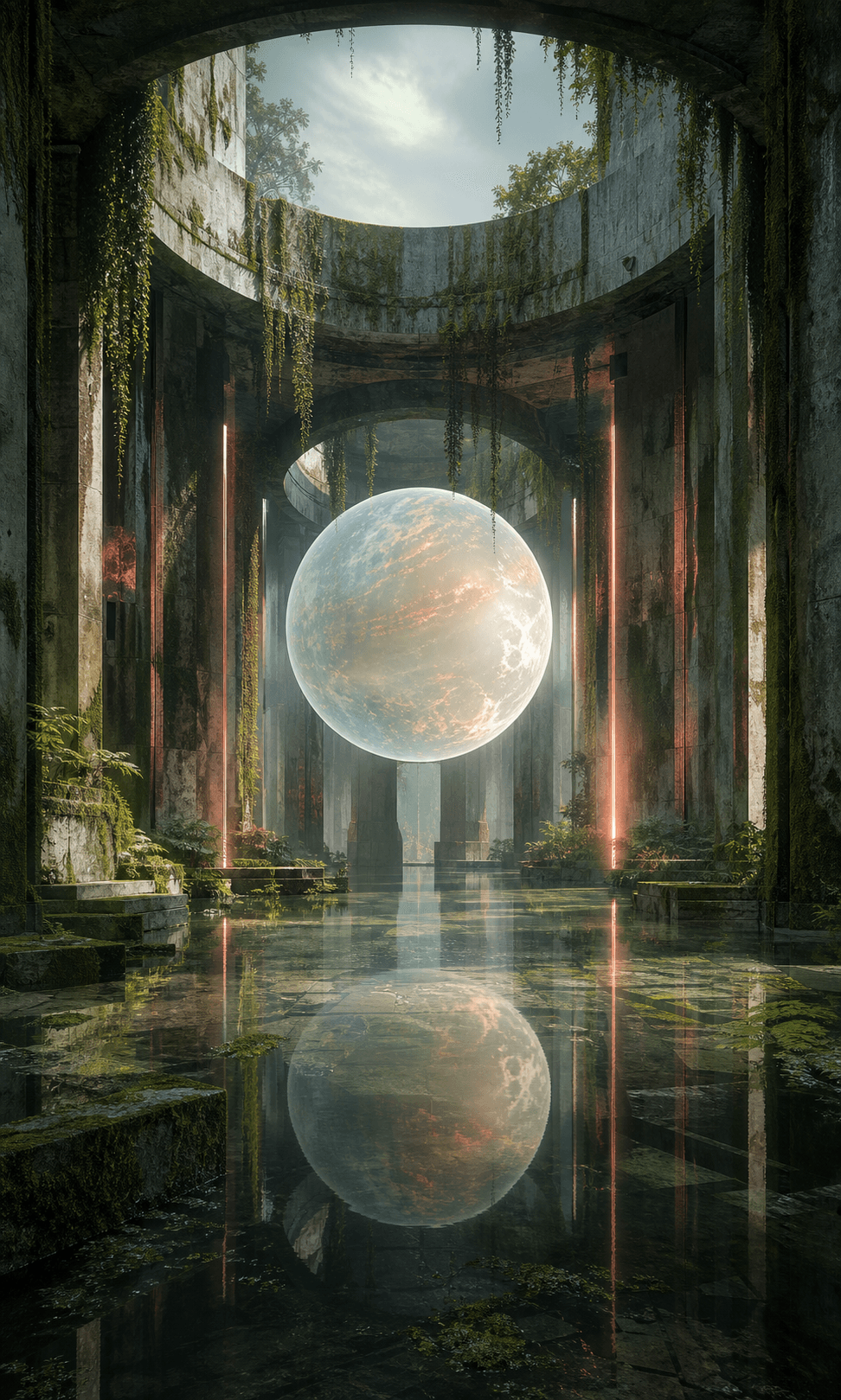
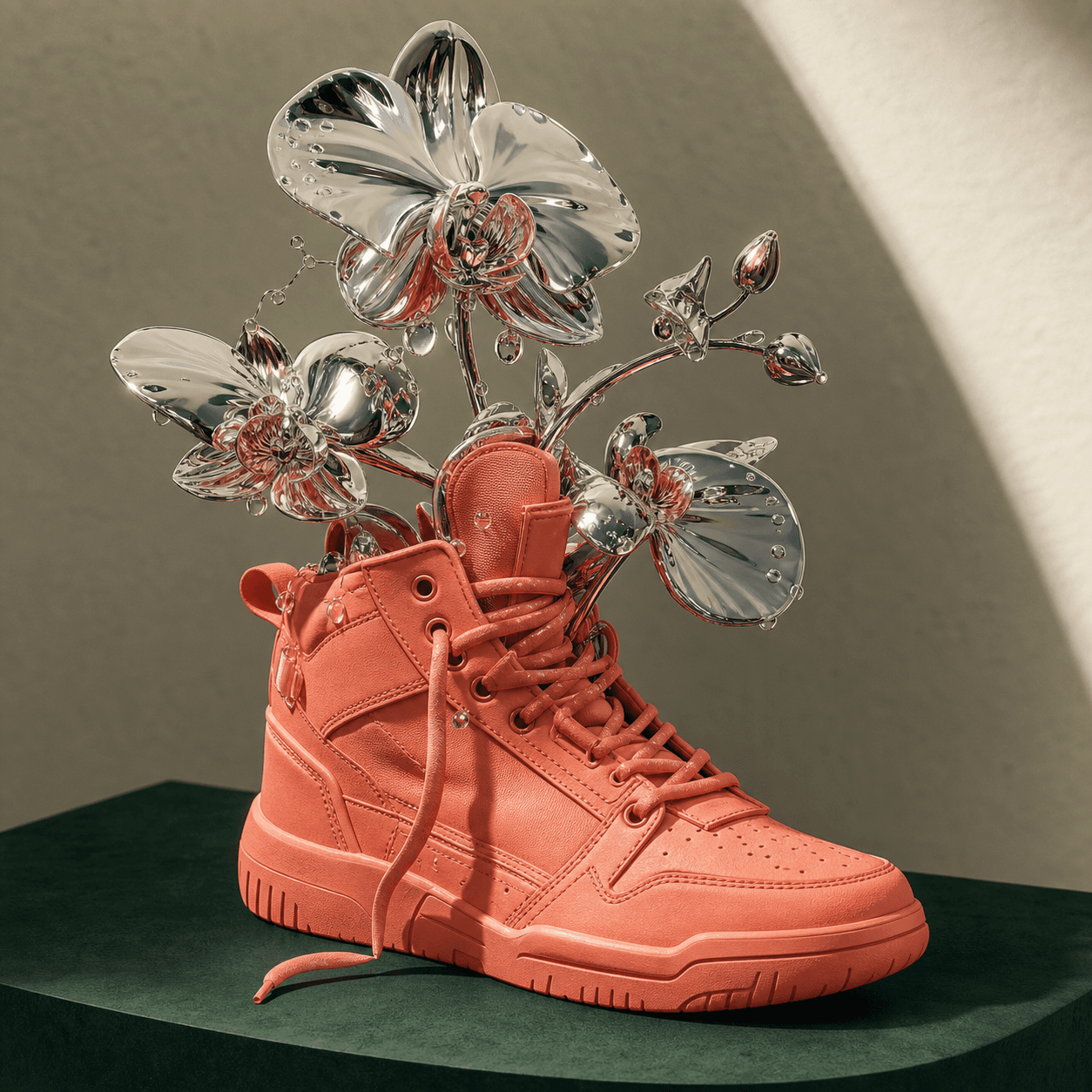
Explore can include public images and prompts from third-party sources. Check source and usage rights before reusing public content.

Your next image starts here
Make space for the image that doesn't exist yet.
Create, direct, edit, and keep your work close in one Android studio.
Download Pluton Read how Pluton handles your images and data